Tags
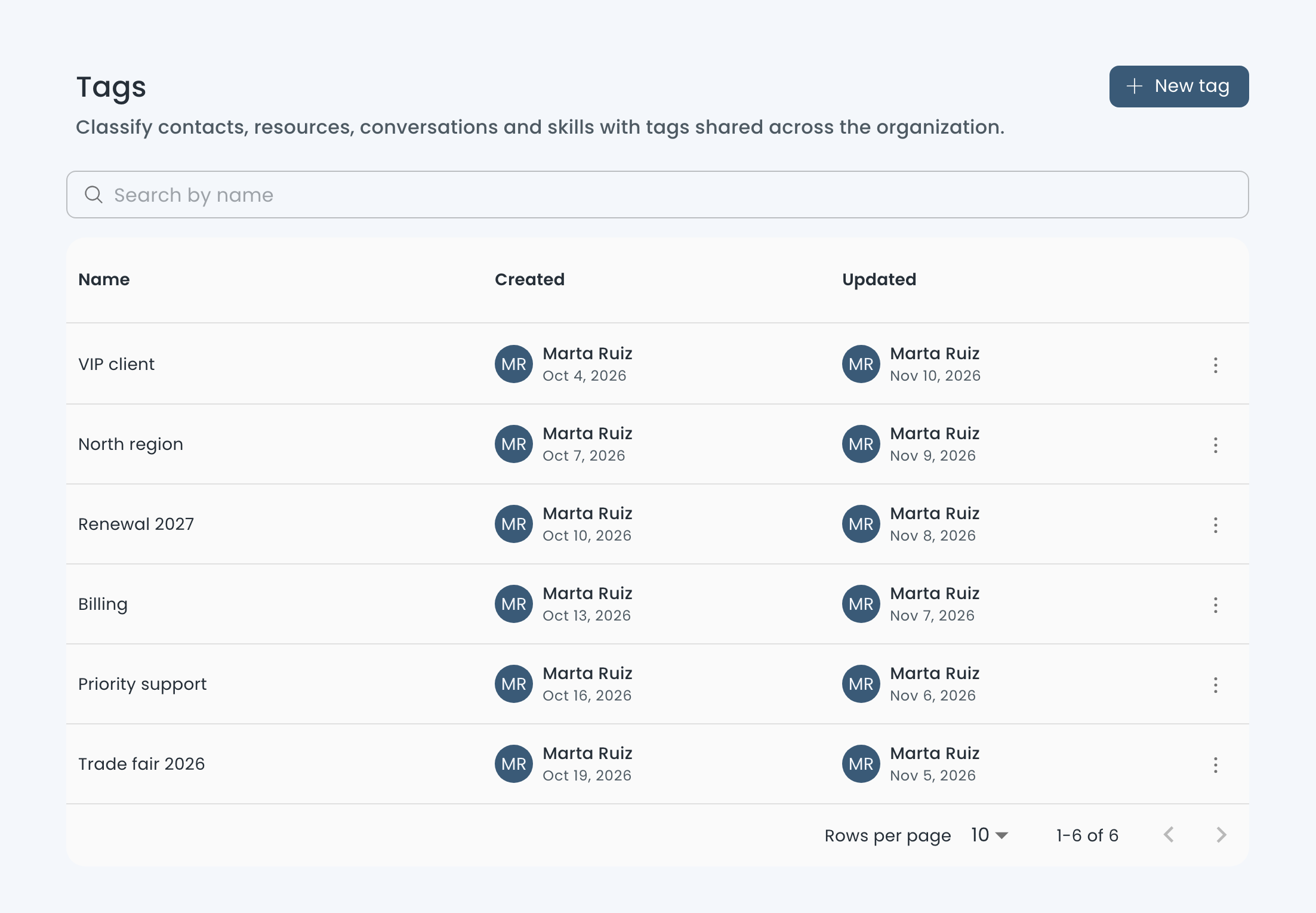
Tags are words shared across the whole organization to classify items and find them later. You create them in Settings → Tags.
Where they are used
| Item | Where you add them | Where you filter |
|---|---|---|
| People and entities in ContactsUser guide | The record's Tags field | The Tag filter of each list |
| SkillsUser guide | The skill's Tags field (up to 20) | The library's Search by name or tag search |
To see and choose tags you need the view permission on Tags.
Create, edit and delete
- New tag: it only asks for a Name, 2 to 30 characters long, and not the same as another tag's.
- Edit changes the name on every item that has it.
- Delete removes it from everything it was assigned to. It cannot be undone.
Each action requires the matching permission on Tags. The subscription sets the maximum number of tags. See Credits and limits.