Publish
Publishing an app means creating it in ConsulPoint, uploading its package as a version and granting it the permissions and data models it needs. This page covers a Custom app; publishing in the catalog is explained at the end.
Create the app
In Settings → Apps, click Create application.
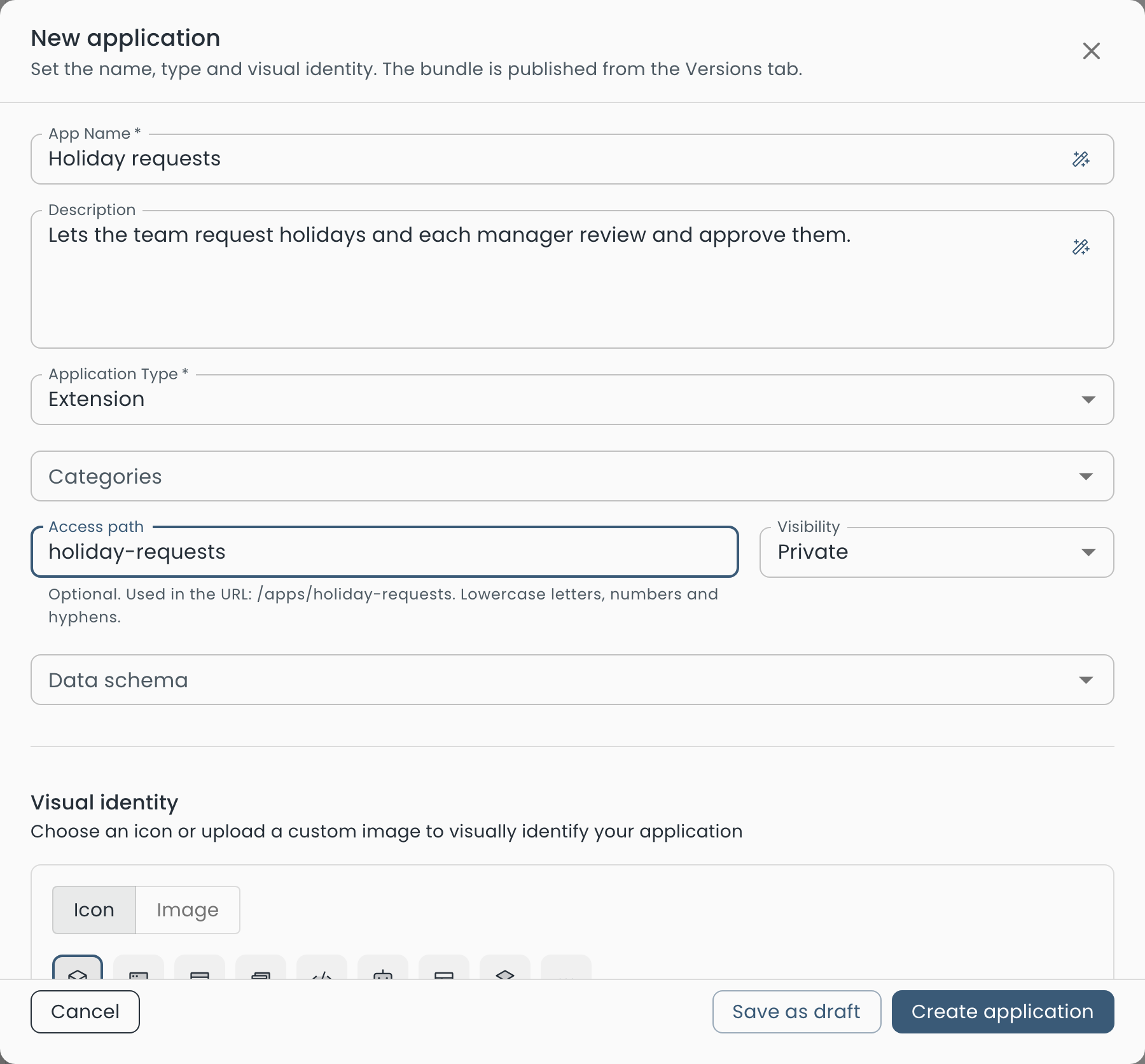
| Field | Content |
|---|---|
| App Name | Between 3 and 64 characters |
| Description | What it does and who it's for |
| Application Type | Extension, Viewer or Filter. Determines where it appearsUser guide |
| Categories | To classify it in listings |
| Access path | Optional. Readable identifier, lowercase with hyphens |
| Visibility | Private or Public |
| Data schema | Optional. The shape of the data the app exchanges |
| Visual identity | Icon and colors, or an image |
| First version | Optional. If you attach the package when creating it, it's published as 1.0.0 |
Save as draft creates the app without making it available to users until it's activated.
Publish a version
In the Versions tab, click Publish version.
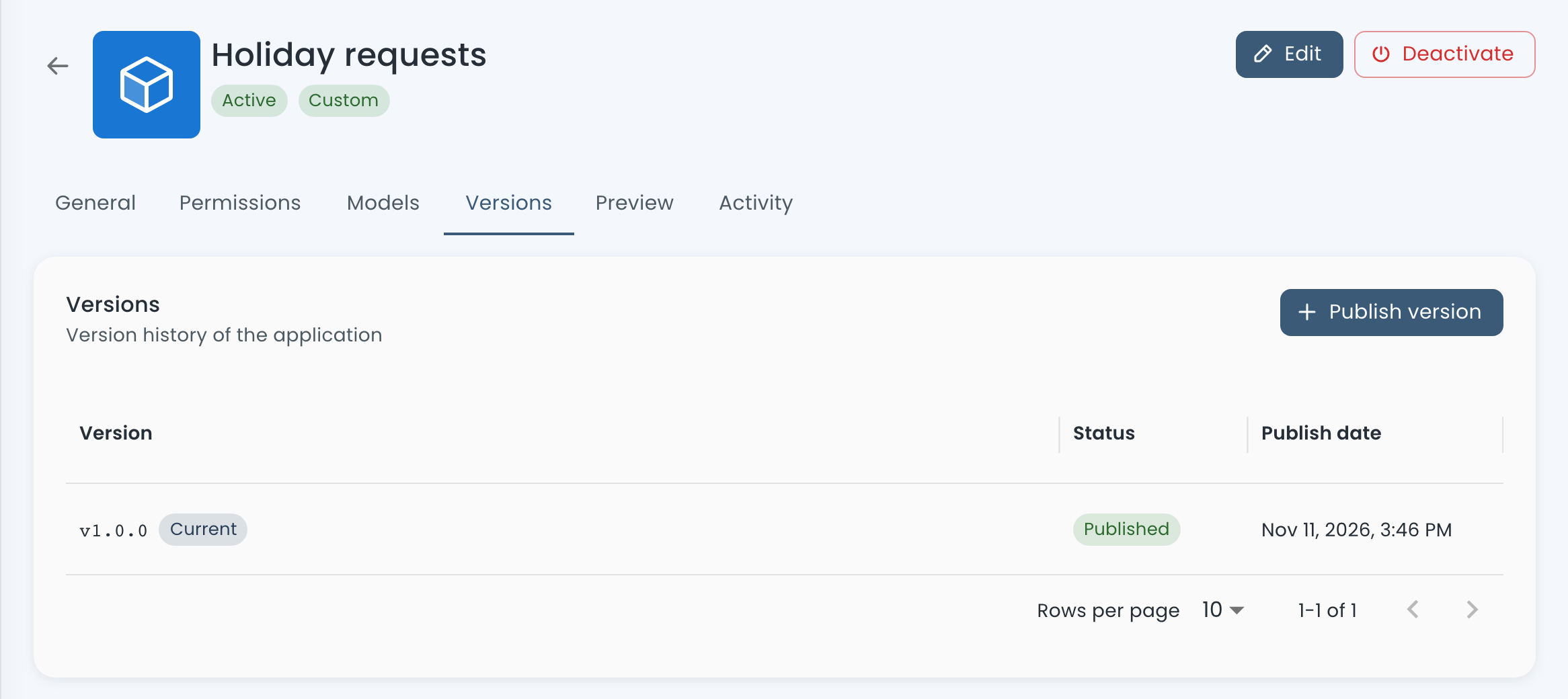
| Field | Content |
|---|---|
| Version | X.Y.Z format, for example 1.2.0 |
| ZIP File | The app's package |
Version statuses
| Status | Meaning |
|---|---|
| Pending · Processing | The package is being deployed |
| Published | It's available |
| Failed | The package wasn't valid. The previous version stays in use |
The version in use shows as Current: it's always the latest published by date, not the highest number. Earlier versions are kept.
Package rules
| Rule | Value |
|---|---|
index.html | At the root of the ZIP and in lowercase |
| ZIP size | Up to 50 MB |
| Size per file | Up to 10 MB |
| Total uncompressed size | Up to 50 MB |
| Number of files | Up to 2,000 |
| Allowed file types | .html .css .js .json .map .png .jpg .jpeg .gif .svg .ico .webp .woff .woff2 .ttf .eot .txt .md |
Hidden files, files without an extension and files of any other type, such as .mjs, .wasm or .pdf, are rejected. A single unsupported file makes the whole version fail.
References to styles, code and images from index.html must use paths starting with /, the default in tools such as Vite (base: '/'). The platform adapts them each time it serves the app. Don't use relative paths (./assets/…) in index.html: they resolve outside the app's folder and the files don't load.
Only the src, href and data-src attributes of index.html are adapted. Paths that the code builds at runtime, or url(/…) inside stylesheets, aren't adapted: in those cases, use paths relative to the code or style file itself.
Models and permissions
| Tab | What for |
|---|---|
| Models | Define the collections where the app saves its records. See Own data |
| Permissions | Specify which organization resources it accesses and with which operations. See Calling the API |
Both must be set up before users open the app. To grant access to Contacts or Users, the person granting it must be an administrator or have read access on that module.
Activate and deactivate
An app can only be opened when its status is Active. With Deactivate it stops being available without losing its configuration. Delete is only offered for deactivated apps.
Publish in the catalog
Publishing in the Integrations catalogAdministration, so that other organizations can install the app, is handled by the ConsulPoint team. To do so, you provide:
- the ZIP package and its version number;
- the type, description and icon;
- the data models it uses;
- the permissions it needs, with their justification.
A new version in the catalog doesn't reach organizations on its own: each one decides when to Update.
Best practices
Bump the last number for fixes (1.2.0 → 1.2.1), the middle one for new features and the first one for changes that require reviewing data or permissions.
There's no action to roll back. If a version causes problems, publish the previous package again with a higher version number.