Permissiondepends on each section; several are for administrators only
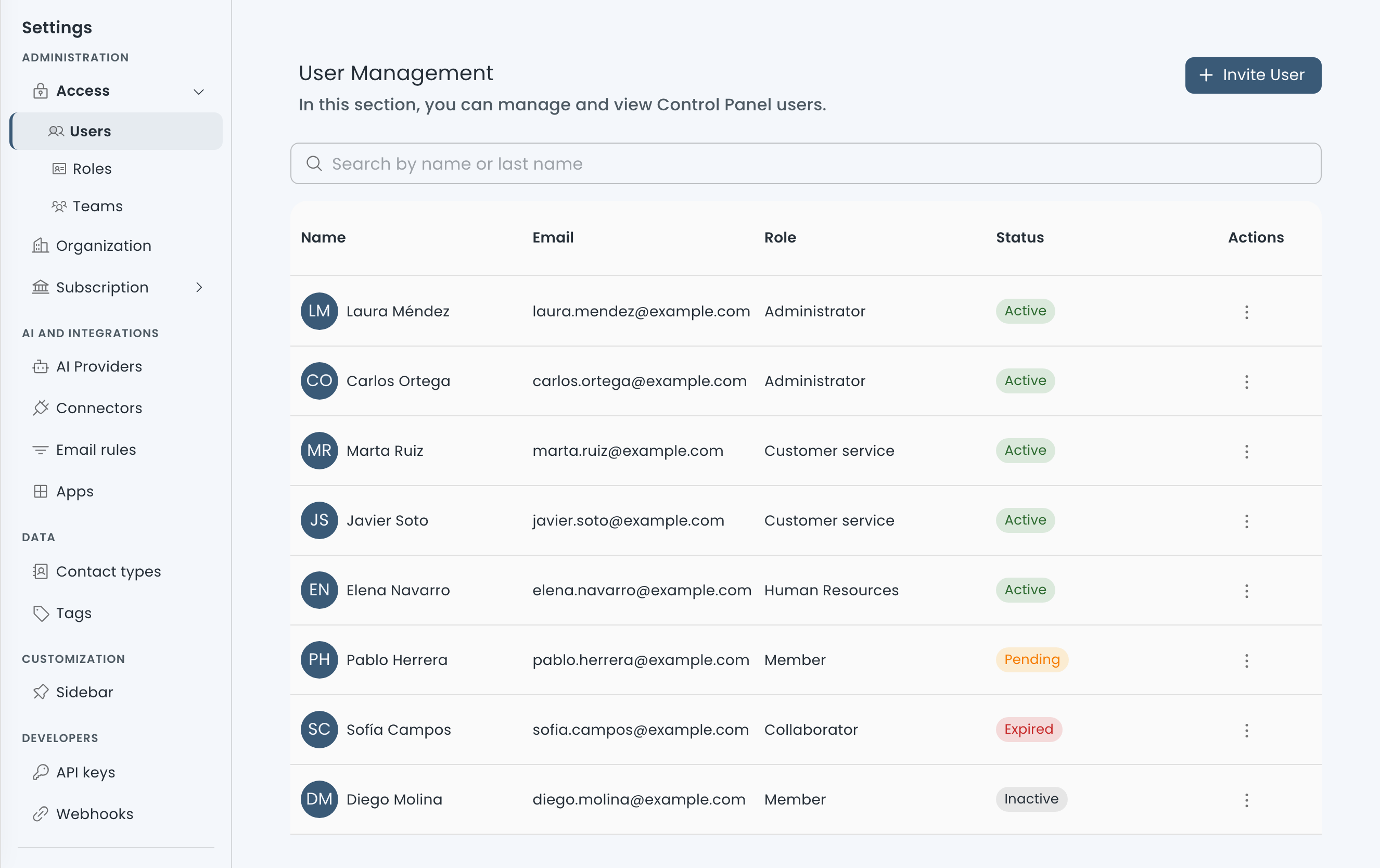
Settings brings together the organization's settings: who has access, the subscription, the AI channels and models, the classification data and the developer tools. You open it from Settings, at the bottom of the side menu.
Settings, Users section
Each person sees only the sections their role allows, and the first of them opens when they enter. Settings exists only in the main organization: it is not available inside a workspace.
The sections are grouped the same way as in the platform. In the Who can see it column, "permission on…" means the permission to view that module in the role; the module must also be included in the organization's subscription. See Permissions matrix.
At the bottom of the menu, for everyone. It shows the release date and the platform versions, who develops it, the support email (if ConsulPoint has set one up) and the links to Terms and Conditions and Privacy Policy.