Contact types
Types classify the people and entities in ContactsUser guide: Client, Supplier, Partner… A contact can have several types, and you can filter by them in Contacts. You manage them in Settings → Contact types.
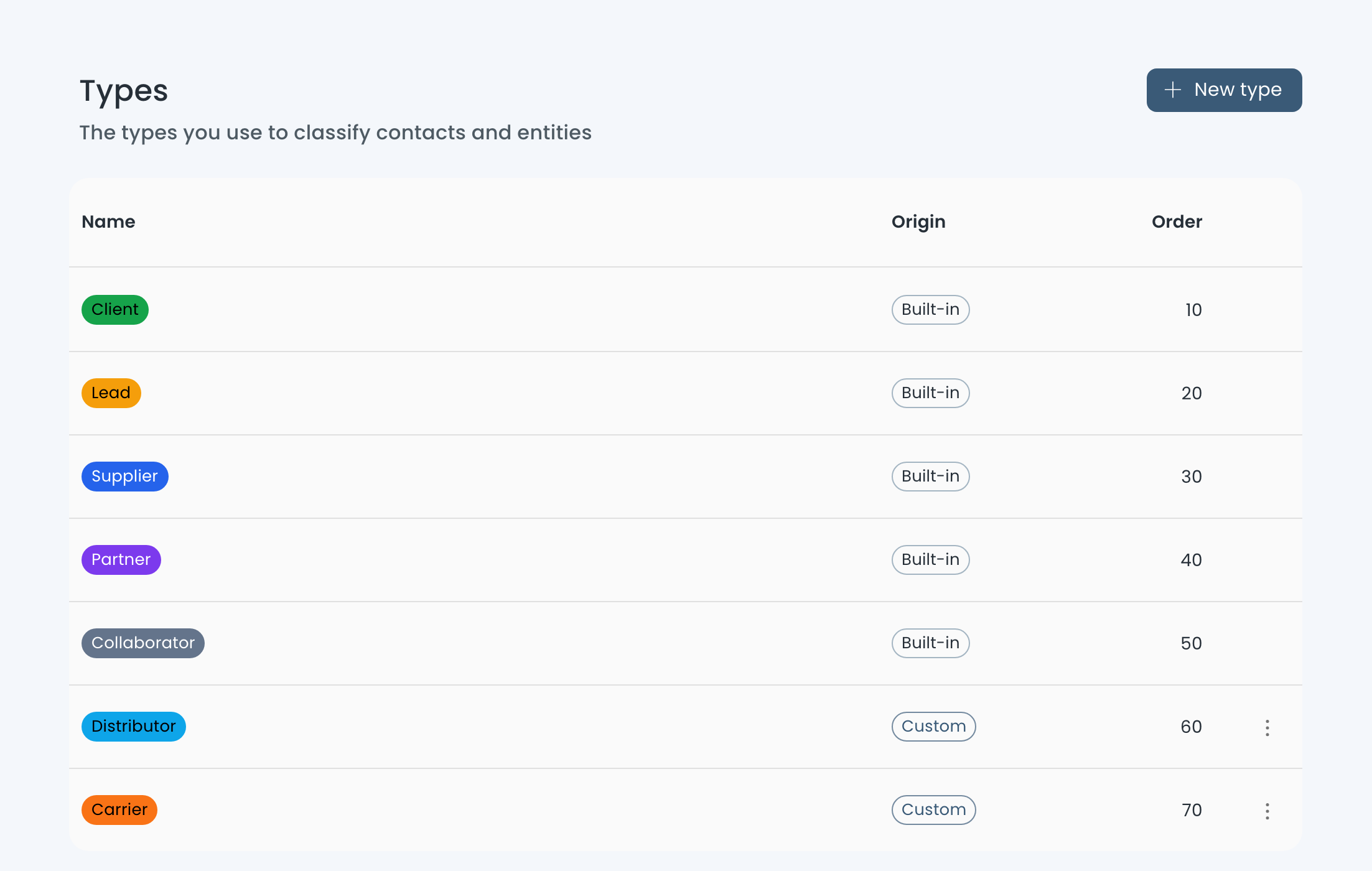
Built-in and custom
| Origin | Types |
|---|---|
| Built-in | Client, Lead, Supplier, Partner and Collaborator. They are always available and cannot be edited or deleted |
| Custom | The ones your organization creates |
Create a type
Click New type and fill in:
| Field | Content |
|---|---|
| Name | Required, up to 100 characters, and not the same as another type's |
| Colour | The color it is shown in |
| Order | Position in the list, lowest first |
Delete a type
You can use Delete even if the type is in use: the contacts and entities that had it lose it and keep their other types. If you later create a type with the same name, it is restored.