Organization
In Settings → Organization you see the organization's general details: its name and logo, the owner and a description.
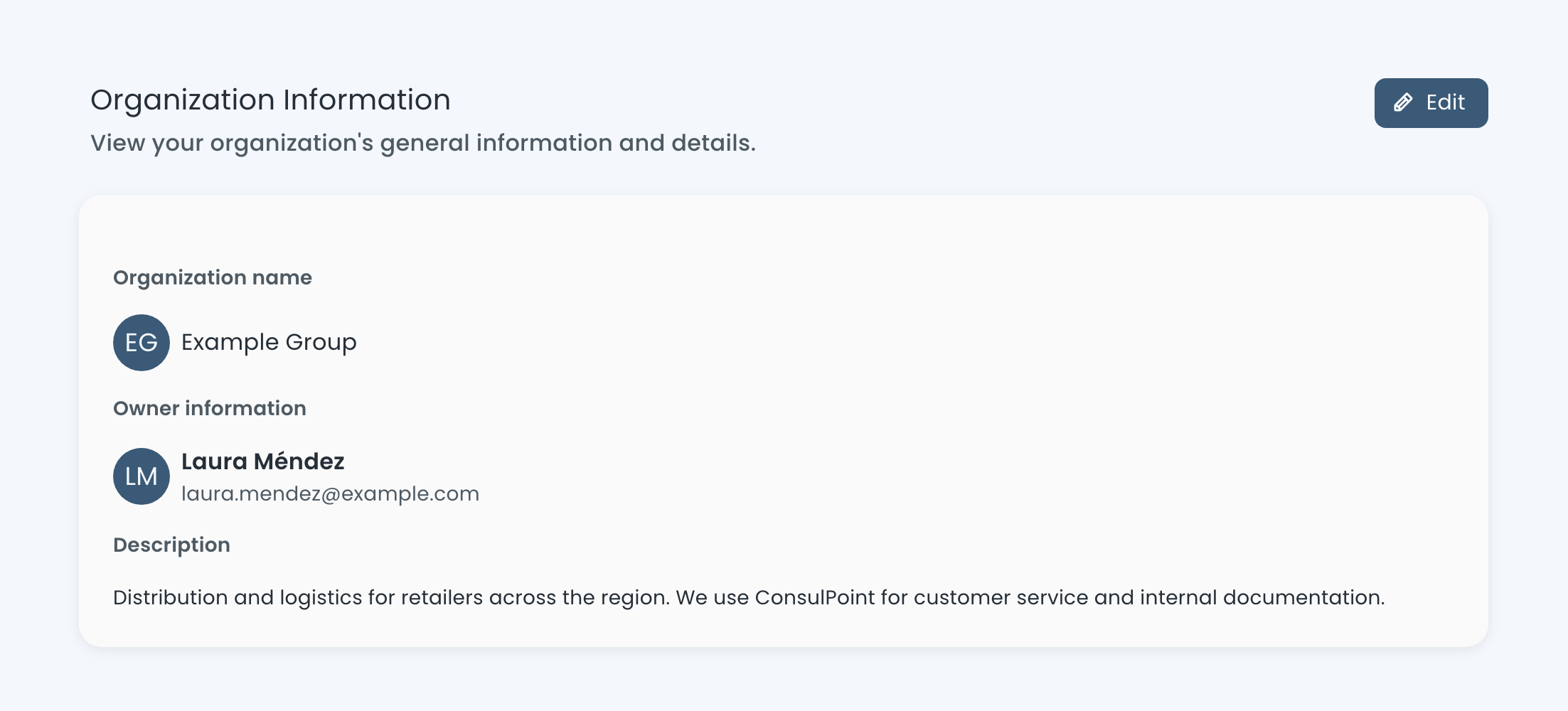
What it shows
| Item | Content |
|---|---|
| Organization name | The name, with the logo |
| Owner information | Name and email of the organization's owner |
| Description | Free text about the organization. If there is none, Not available is shown |
Edit the details
Only administrators can edit them, with Edit:
| Field | Restriction |
|---|---|
| Organization logo | Optional. JPG, PNG or WebP, up to 500 KB. It can be changed or removed |
| Organization name | Required, between 3 and 100 characters |
| Description | Optional, up to 500 characters |
Changes are saved with Save changes. If the logo cannot be uploaded, the rest of the details are saved anyway and the platform tells you to try the logo again.
The owner cannot be changed from this screen.