Sidebar
In Settings → Sidebar you choose the integrated appsUser guide that appear in the Pinned section of the sidebar, so they open with one click.
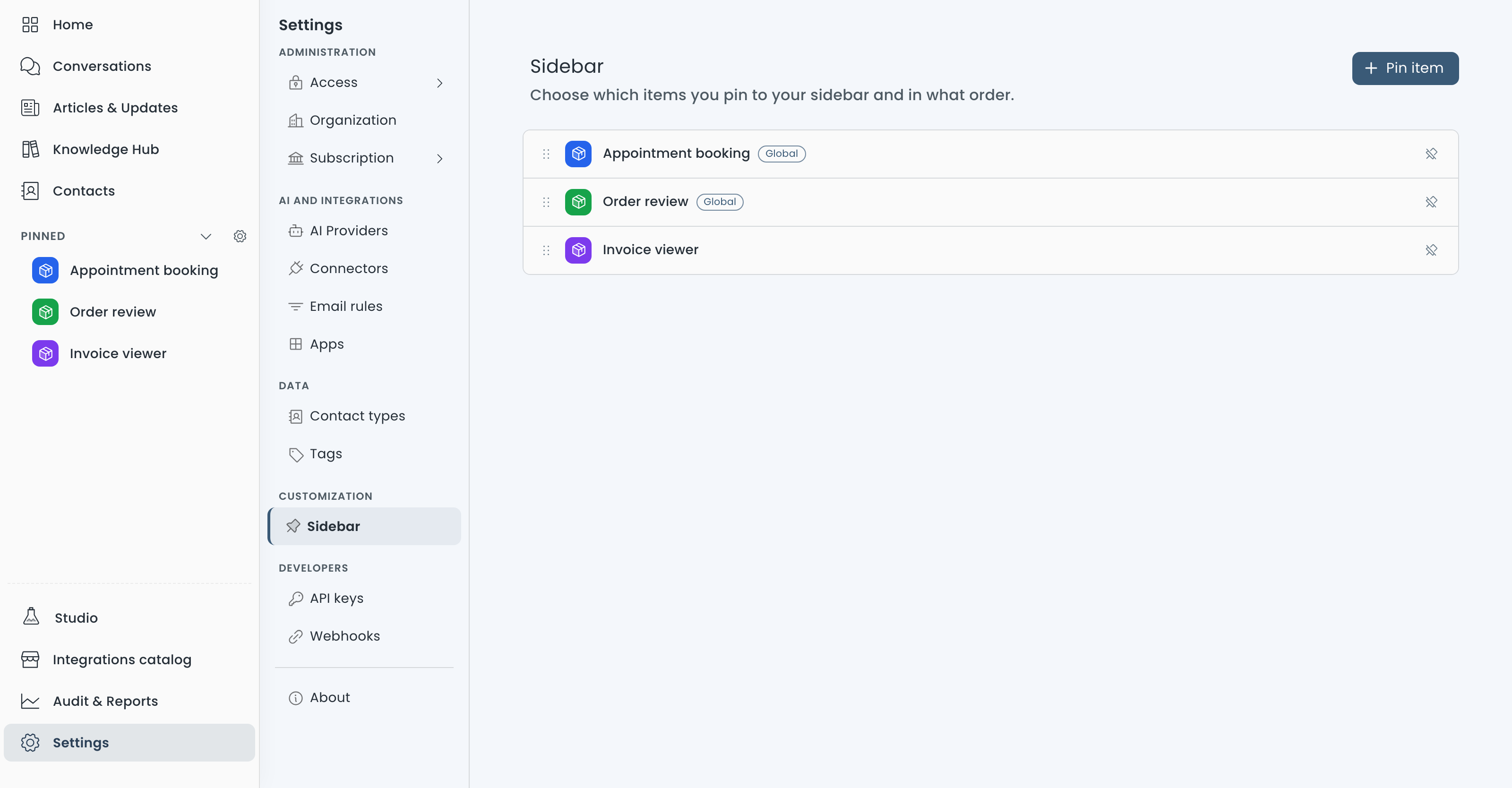
Pin an app
- Click Pin item.
- Search for the app and click the button to pin it.
- Administrators also choose who sees it:
- Only for me: only in their own sidebar (this is the default, and the only option for non-administrators);
- For everyone: in the sidebar of the whole organization.
In the list, apps pinned for everyone carry the Global label. Each person sees the apps pinned for everyone plus their own, up to 10 in total.
Reorder and remove
- You reorder them by dragging them, here or in the sidebar itself.
- Remove from the sidebar takes them off. Only an administrator can remove the ones pinned for everyone.
The gear icon in the Pinned section of the sidebar opens this same screen. See NavigationUser guide.