Teams
A team is a named group of people in the organization. It lets you assign several people at once; today it is used so that a team handles the conversations of an integration.
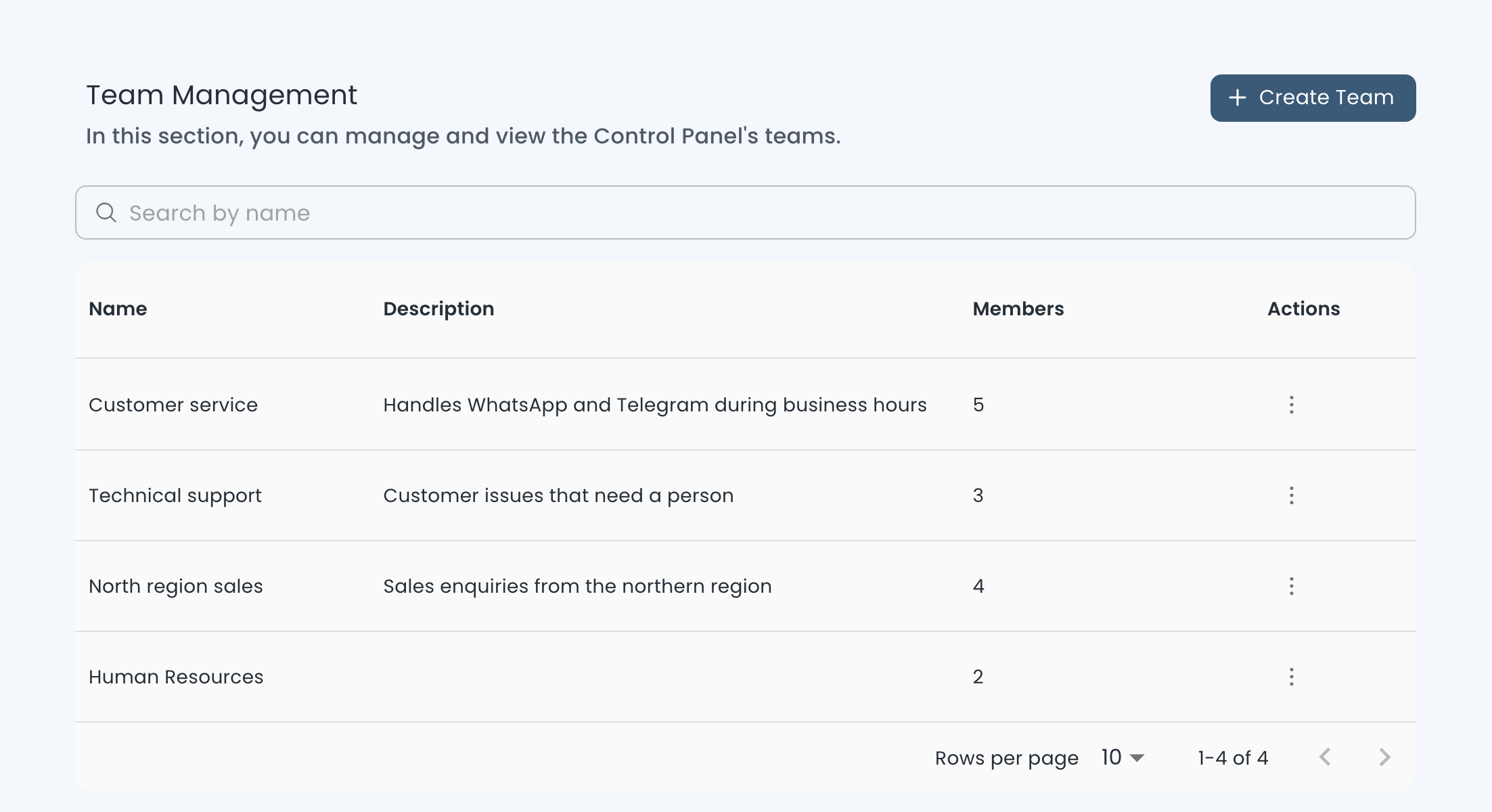
Create a team
- Click Create Team.
- Fill in:
- Name: required, between 2 and 64 characters, not the same as another team's.
- Description: optional, up to 255 characters.
- Members: people in the organization. Only active users can be added.
- Save.
People added to a team receive a notification.
The list
Each team shows its Name, Description and Members. Its actions:
| Action | What it does |
|---|---|
| View detail | Shows the creation date and the members. Deactivated people are marked |
| Manage members | Adds or removes people |
| Edit | Changes the name and description |
| Delete | Deletes the team |
Where they are used
In an integration, Manage team assigns a team to handle its conversations, along with any people added one by one. Each integration accepts one team. If the team's members change later, the change also applies to the integration. See Integrations and channels.
An assigned team cannot be deleted
If a team handles any integration, the platform does not let you delete it and shows which ones. You have to remove it from those integrations first.