Starter template
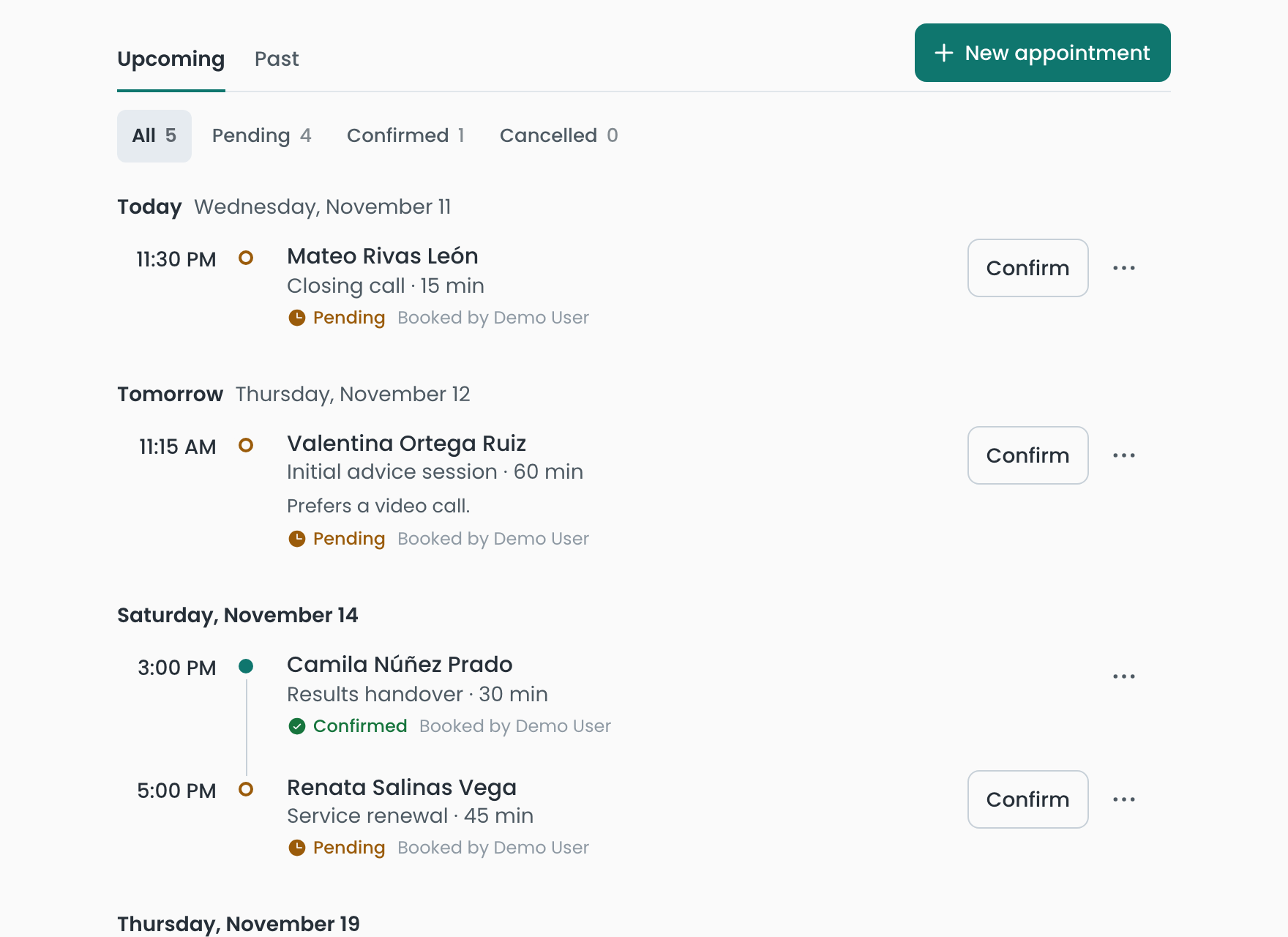
The starter template is a public repository with a small, complete integrated app: an appointment scheduler that books an appointment for a contact, confirms or cancels it and prepares the confirmation message for the conversation.
Use it to see how an app integrates with ConsulPoint in real code, and as a starting point for your own app: keep the base and replace the sample feature.
Repository: github.com/akui-solutions/consul-point-app-starter
Requirements: Node.js 20 or later and yarn or pnpm.
Run it locally
You don't need an account. Demo mode works offline, with made-up data that is lost when you reload the page.
git clone https://github.com/akui-solutions/consul-point-app-starter.git
cd consul-point-app-starter
yarn install
yarn dev:mock
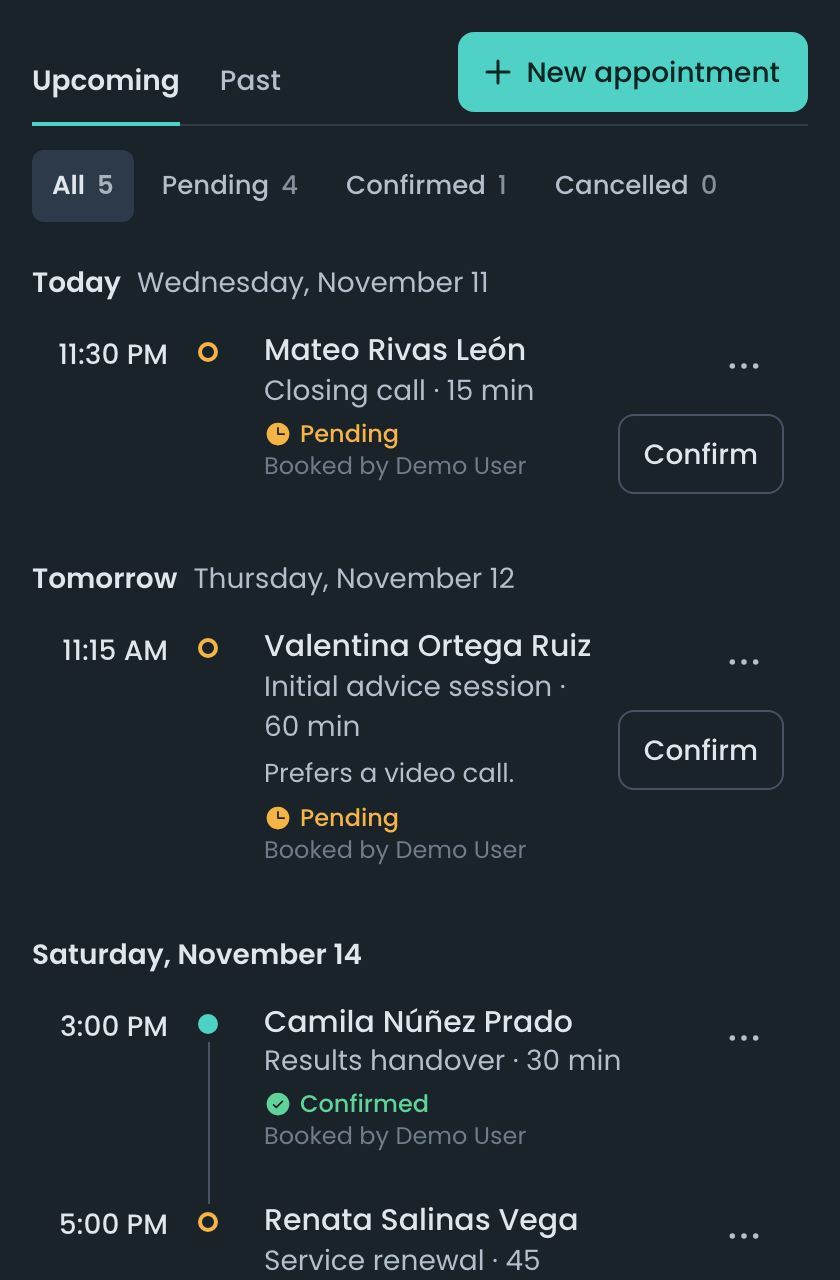
The terminal shows the address where it opens. To try the variants, add parameters to that address: ?theme=dark or ?language=en.
What it looks like
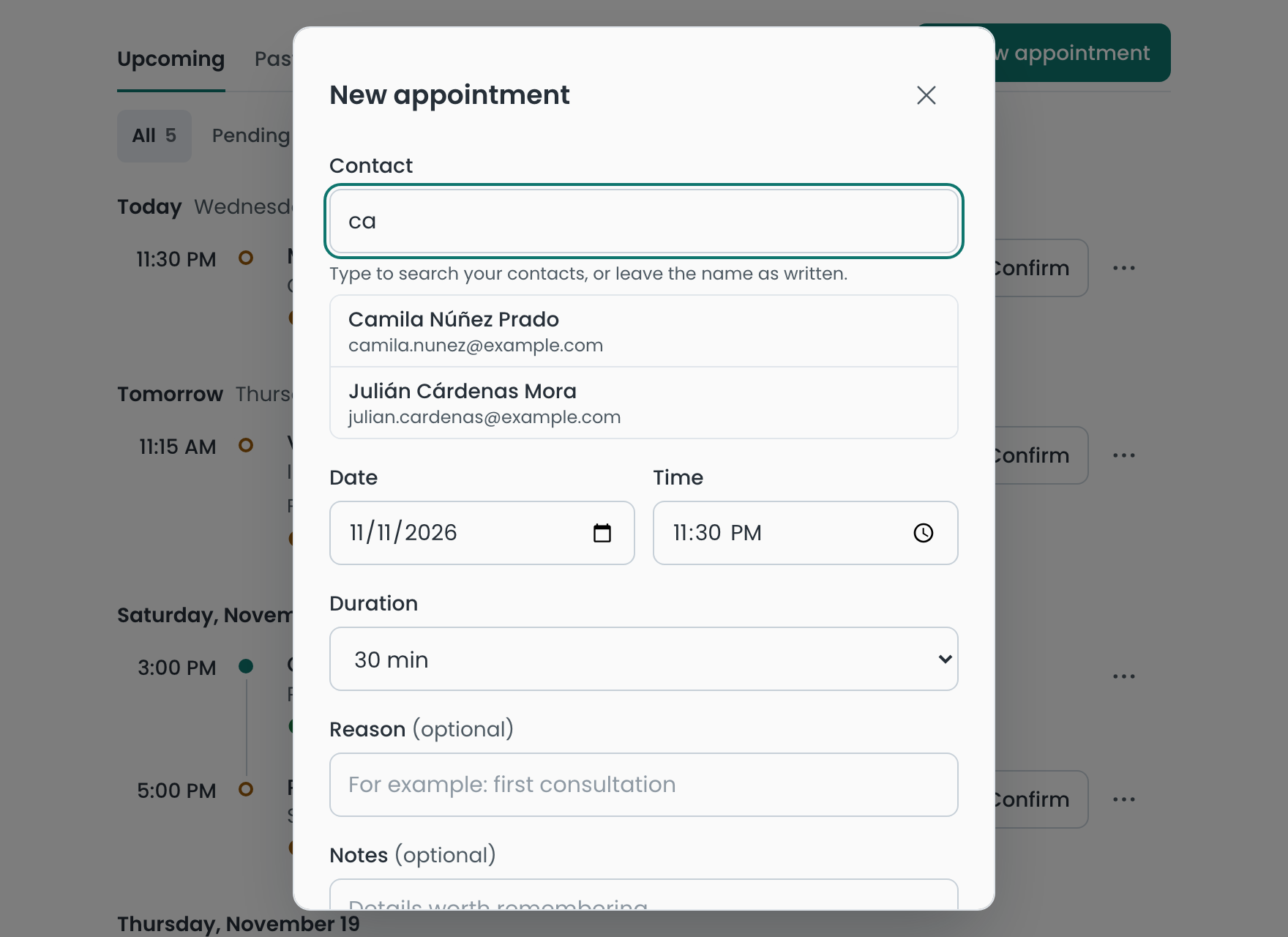
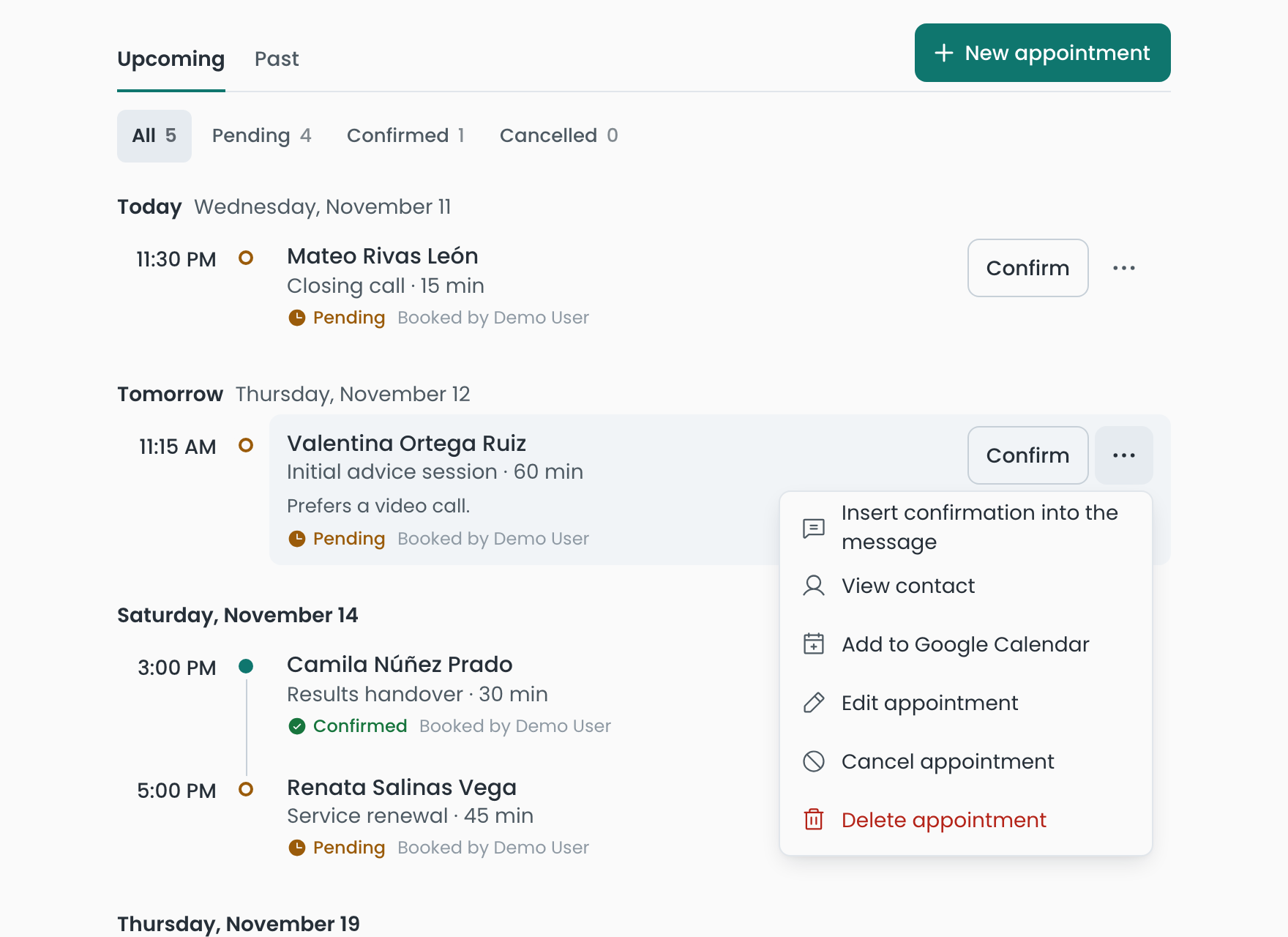
All screenshots are from demo mode: the people and appointments are made up.
What it teaches
Each feature of the scheduler maps to one part of the integration.
| What the app does | What it teaches | Related page |
|---|---|---|
| Opens with the user's language and theme | Reading the context the platform provides | Context it receives |
| Records who booked each appointment | Getting the user's verified identity | Calling the API |
| Keeps working after half an hour | Renewing the session without reloading | Calling the API |
| Saves, edits and deletes appointments | Keeping your own records in a data model | Own data |
| Suggests contacts when booking | Reading organization data with a permission | Reference |
| Books even without that permission | Treating a missing permission as an unavailable feature, not as an error | Common issuesUser guide |
| Inserts the confirmation into the message, opens the contact's record and opens an external link | Asking the platform for actions | Communicating with the platform |
| Works offline with made-up data | Working on the interface before you have an environment | Test |
The repository's README.md file says which file each one is in. It's written in English, like the code comments; the app works in Spanish and English.
Create an app from the template
The base stays as is; what changes is the feature.
- On the repository page, click Use this template and create a new repository. It gets the files, not the history, and it can be private.
- Change the name
consul-point-app-starterinpackage.json, the default identifier insrc/config/index.tsand the title inindex.html. - Replace the
src/features/appointments/folder with your own feature, keeping its shape: types, texts, logic and screen kept separate. - Define the data models in
MODELS.mdand replace the made-up data insrc/services/. - Adjust the accent color in
src/styles/tokens.css.
The src/services/ and src/config/ folders contain the communication with the platform and don't need changes to get started.
Publish it in ConsulPoint
- Run
yarn package. It generates a ZIP file withindex.htmlat the root. - Create the app with the Extension type and upload the ZIP as its first version.
- In the Models tab, create the
appointmentmodel with the schema from theMODELS.mdfile. - In the Permissions tab, grant read access on Contacts. This is optional: without that permission, the person's name is typed by hand.
Each step is explained in detail in Publish.
What it includes besides the sample
| Includes | What for |
|---|---|
| Tests for the communication with the platform | Catch a change that breaks the integration before publishing it |
| Tests for the sample feature | Serve as a model for your app's own tests |
| Code and formatting checks | Keep the style consistent as the project grows |
| Continuous integration workflow | Run checks, tests and the build on every proposed change |
Best practices
Change the sample feature first and leave the src/services/ folder for later: its tests pin down how the app talks to the platform.
The template is published under the MIT license: you can copy, modify and use it in your own projects.